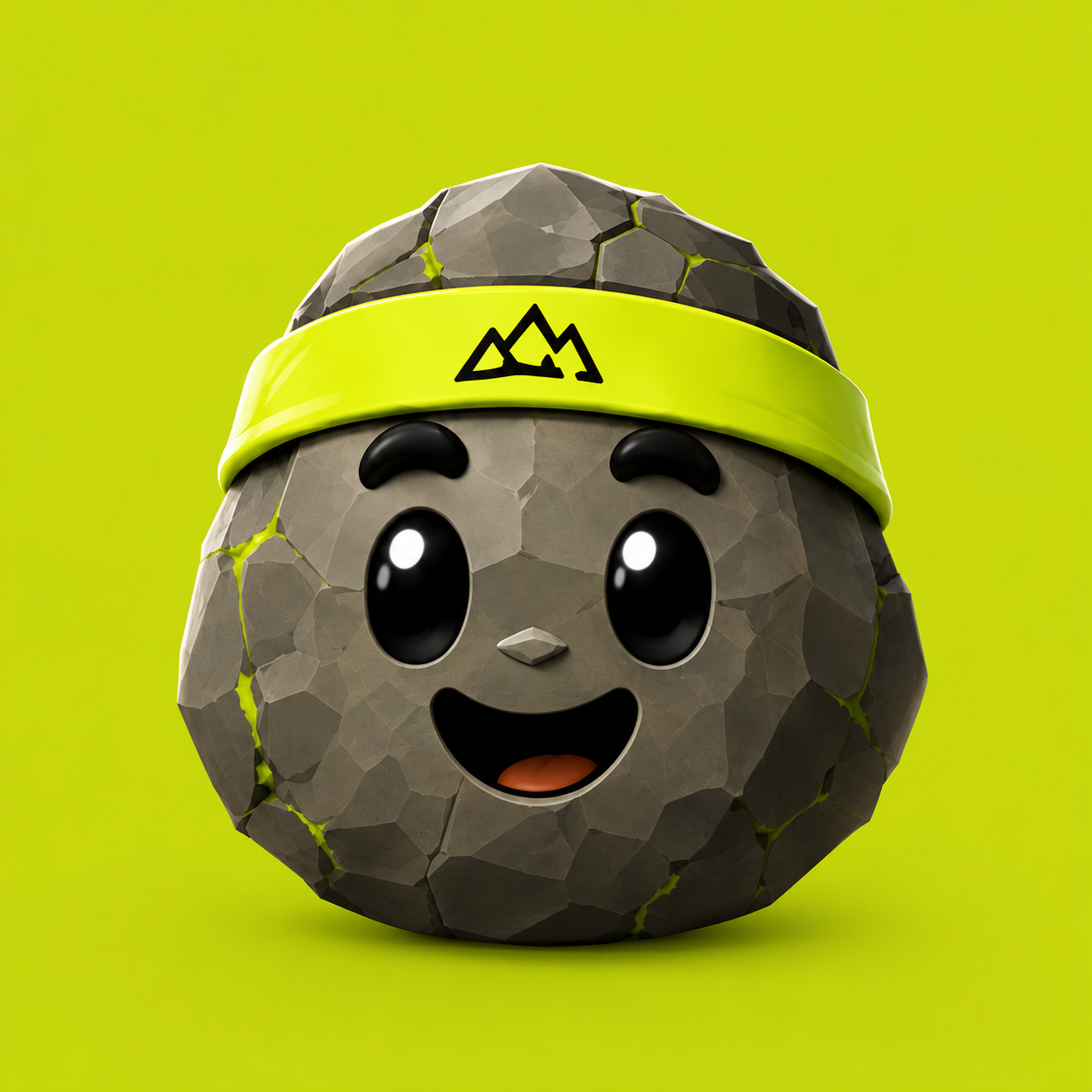
I built RepRock with ChatGPT and Codex.
I should explain that. “Built with AI” can make it sound like I typed one prompt and an App Store-ready product appeared. That is definitely not what happened.
I am a software engineer, so I already knew how I wanted to structure a lot of the app. AI handled a big part of the implementation. I was still making the product decisions, reviewing and testing the code, and spending far more time than I expected getting the screens to feel right.
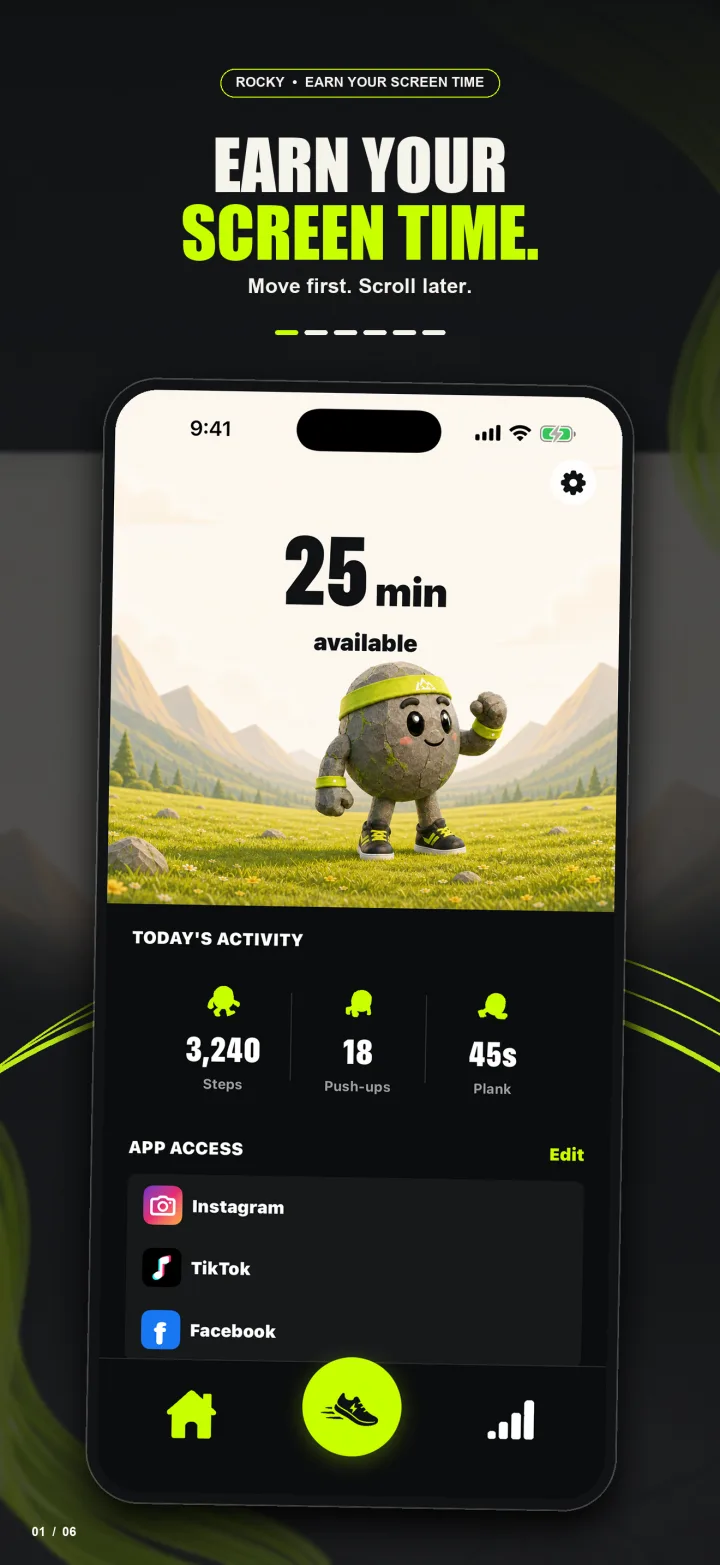
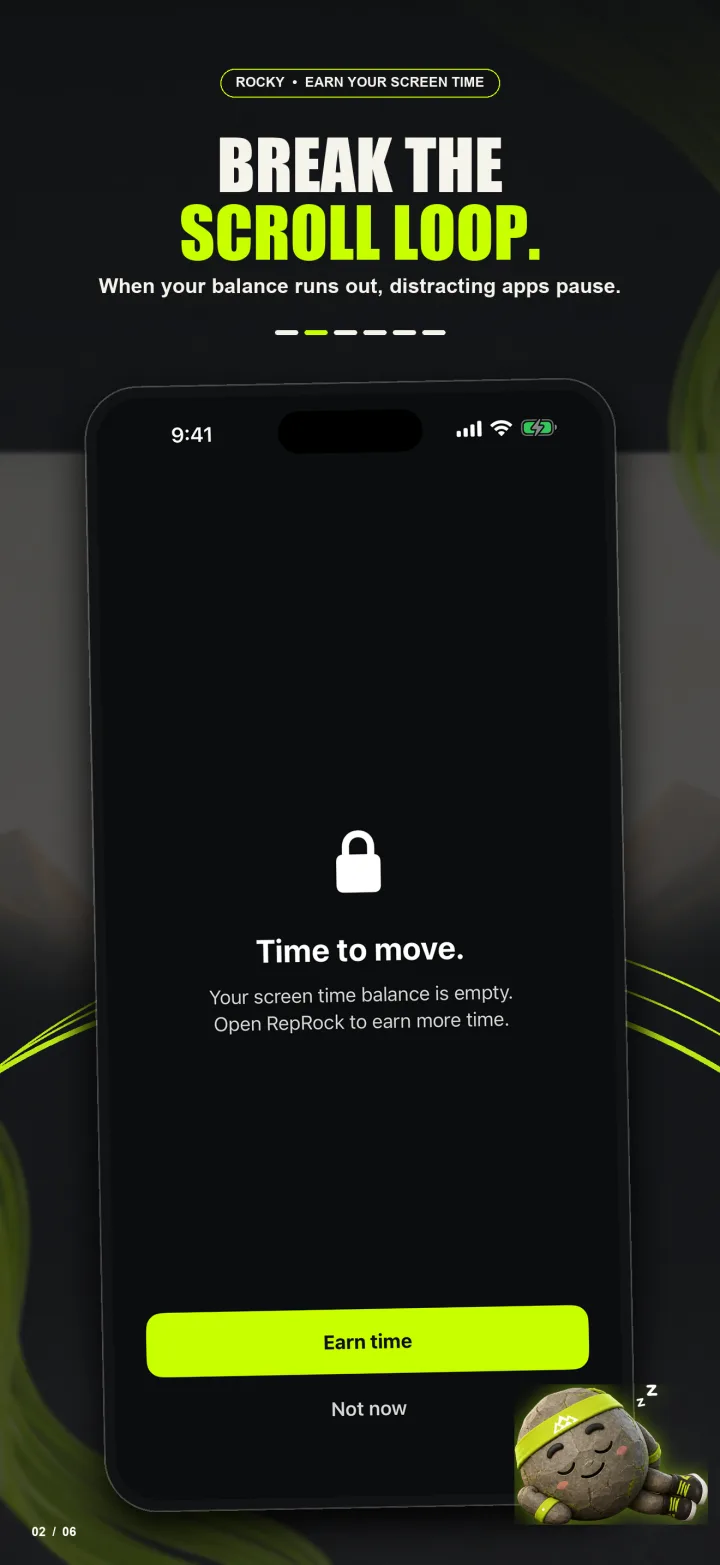
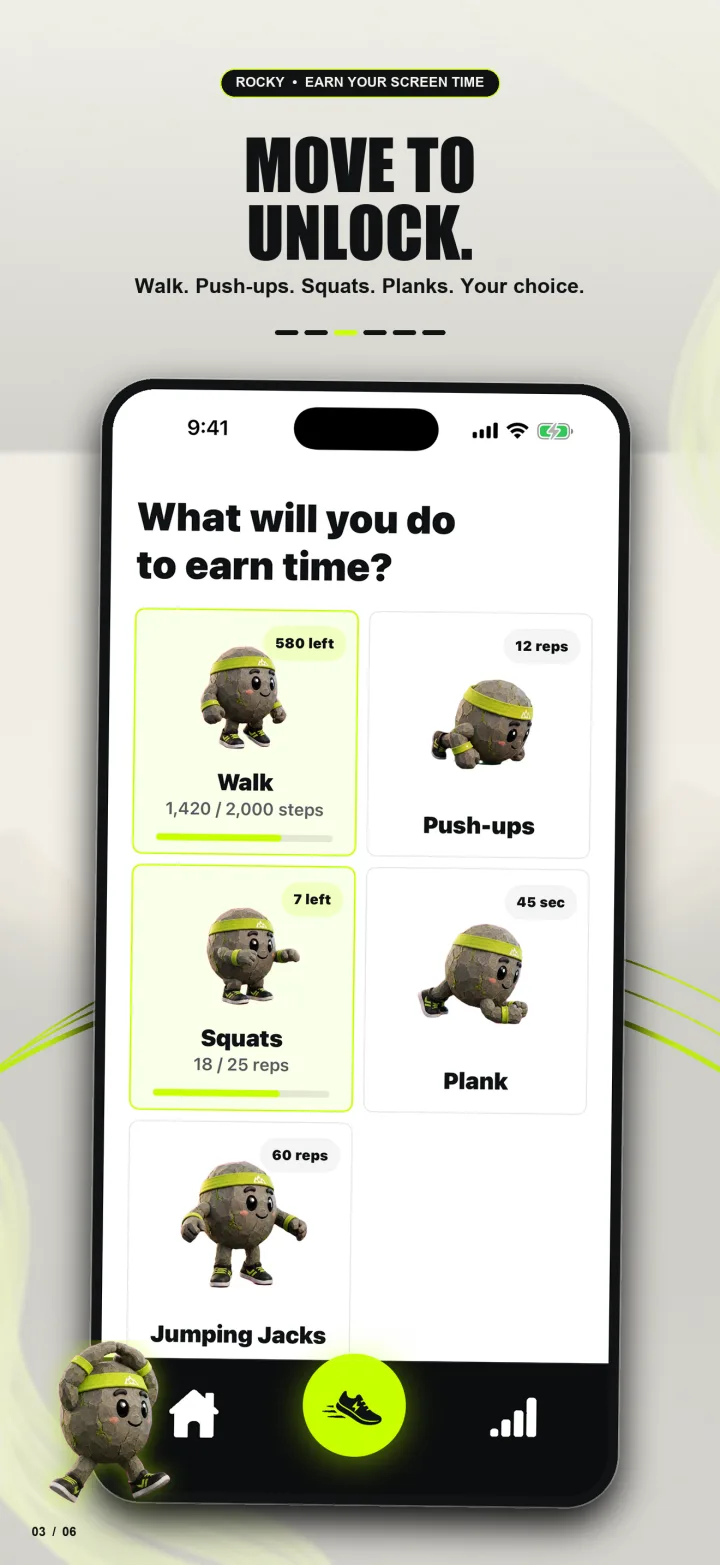
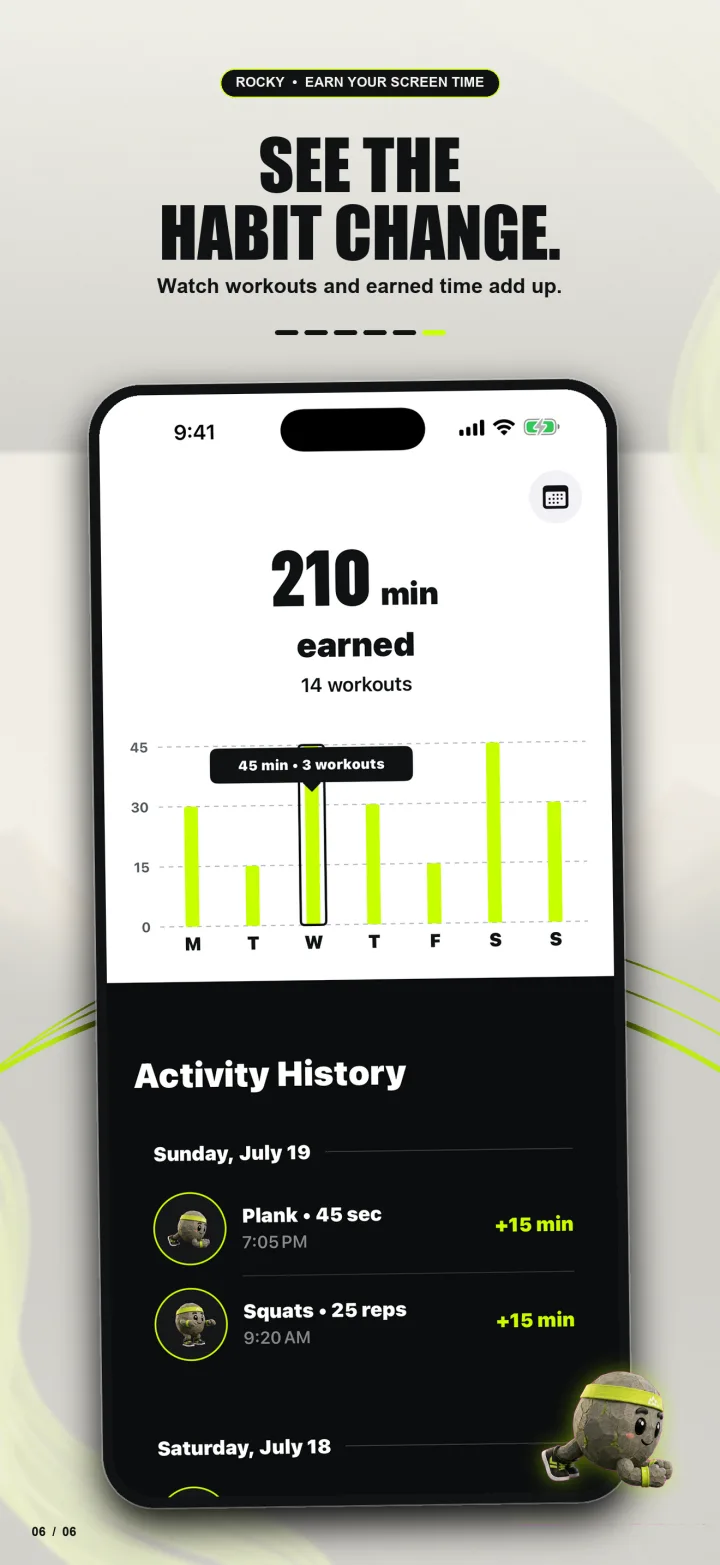
RepRock is an iPhone app that lets you earn screen time by moving. You pick the distracting apps you want to control, do a workout or hit a walking goal, and earn time back for them. The idea is basically: move first, scroll later.

What the app looks like
The finished app has a simple loop: see your available time, choose how to earn more, complete a movement goal, and watch your balance and activity history update.
Why I decided to build it
Before RepRock, I had built another app called Before. Then I came across a similar app in the screen-time space that was reportedly making around $2,000 to $4,000 a month in recurring revenue.
I remember thinking, wait, an app solving this fairly specific problem is doing real revenue?
The money got my attention. It would be dishonest to pretend it did not. But it was also a problem I understood. I spend more time on my phone than I want to, and almost everyone I know has complained about the same thing. I could see why people would pay for a better way to control it.
Something else had happened around that time too. I sold a small app I had made called NotchClip through TrustMRR. It was not a huge acquisition, but it was the first time a person I had never met paid real money for something I built on the internet.
The sale was small, but I remember how good it felt. Until then, selling one of my own products was something I thought I might be able to do someday. Now I had actually done it once.
That gave me enough reason to try RepRock. I had the problem myself, I knew people were paying for solutions, and the NotchClip sale had given me a bit of confidence.
How I actually use AI for coding
I use ChatGPT and Codex every day, both for coding and for personal work. I am on the $100-per-month ChatGPT Pro plan. I have put it through some long coding sessions and, so far, have not run into a practical usage limit. I also like knowing what I am spending each month instead of watching an API bill climb while I am developing.
My rule is that I do not commit code I cannot generally explain.
I do not need to have typed every line myself, but I should know what the code is doing, why it is written that way, and what is likely to break. I still review the changes. I run the app. I write unit and integration tests where they matter. If a change touches a critical flow, I want more than “the code compiles” before I trust it.
The other thing I do is plan before asking AI to implement.
I usually begin with the intent of the feature. Then I work through the interfaces, components, state, and the data moving between them. I discuss the tradeoffs with AI and ask it to produce a concrete plan. Sometimes it catches something I missed. Sometimes it makes the solution much more complicated than it needs to be. Then we simplify it.
Once the plan looks right, I tell it to build.
I learned early that “here is my feature, implement the whole thing with no mistakes” is not a useful prompt. AI can move very quickly, including in the wrong direction. A clear plan gives it boundaries. It also gives me something specific to review when the implementation comes back.
This is not very different from how I work at my day job. The questions are still normal engineering questions. Where should the logic live? What state do we need? What are the failure cases? How are we testing it? AI makes the execution much faster, but it does not make those questions disappear.
The coding was easier than the design
The coding moved faster than I expected. The design did not.
I have a decent enough eye to know when an app looks good and when something feels off. Most people do. We know when a screen is clean, when an animation feels natural, or when an app is annoying to use.
Starting with a blank screen is different. I am not a designer, and going from nothing to a complete visual system is hard.
So I looked at a lot of other apps. I studied their App Store screenshots, onboarding, pricing screens, permission requests, and home screens. I wanted to understand what each screen was doing, not just copy the colors.
For RepRock, I knew I needed onboarding, a home screen, a way to earn points and screen time, a pricing flow, and settings. That gave me the list of screens, but not what they should look like.
I used Google Stitch to explore some early mockups. Most of the first attempts were not designs I would ship. They did give me pieces I liked: a color direction here, a layout there, or a better way to organize one screen.
I brought those ideas and screenshots back into ChatGPT and kept iterating. Some feedback was specific: move this, reduce the spacing, make this action more obvious. Other times I only knew that I did not like the result, which meant I had to stare at it until I could explain what felt wrong.
A good amount of the work was me trying to communicate a visual idea using an engineer's vocabulary while ChatGPT tried to figure out what I meant.
From mockup to SwiftUI
Once I had a direction, I could give AI a design and ask it to build the SwiftUI version. This part is genuinely impressive. A model can look at a screen and get surprisingly close in one pass. The first pass still needed work, though.
The spacing might be off. Something might be centered when it should align to the leading edge. The design might work on one phone size and break on another. A static screen can look accurate while the actual interaction feels strange.
So the loop became: implement, run it, compare it with the design, explain what was wrong, and try again. Sometimes the fix took one round. Sometimes changing one part exposed another issue.
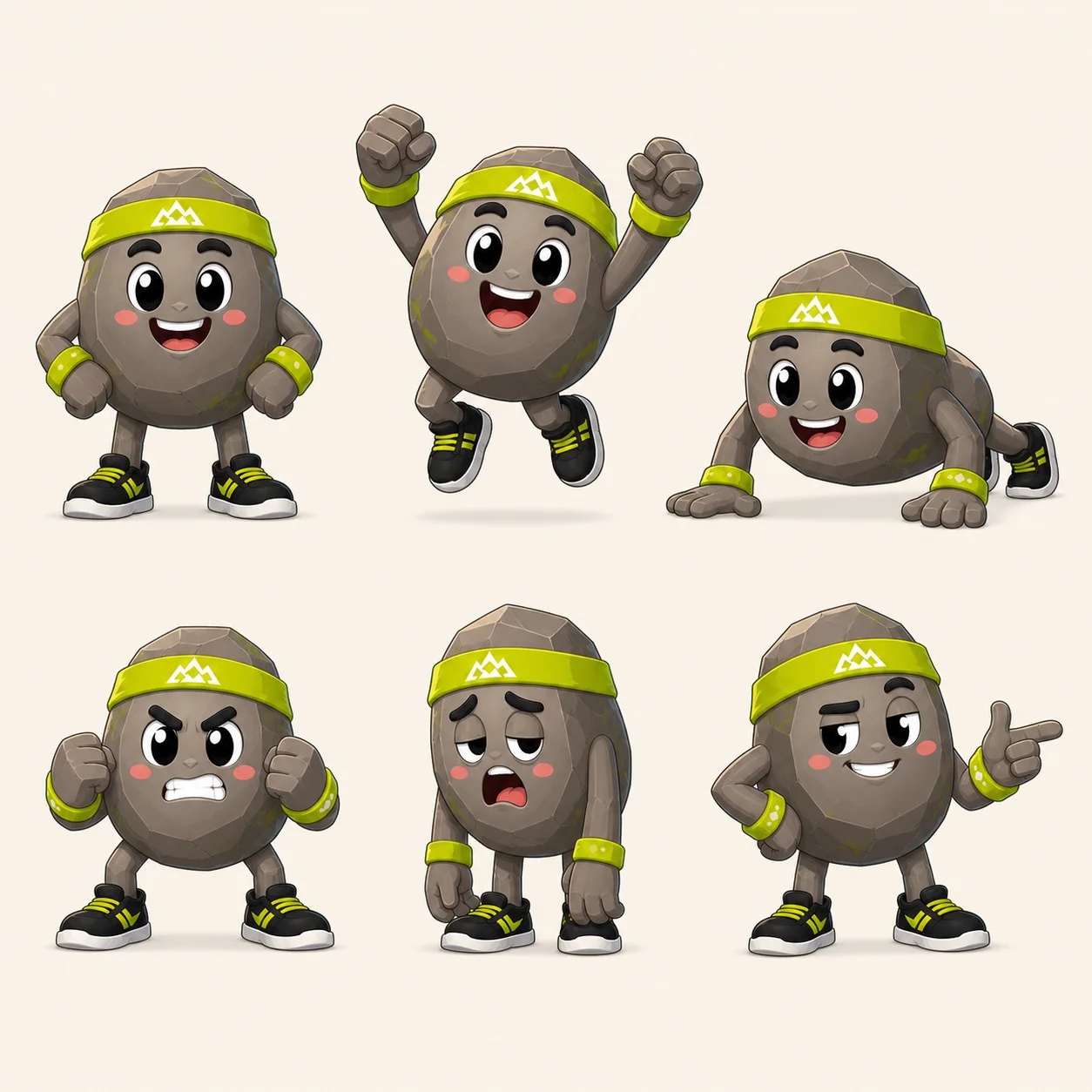
I also generated images and other assets as I went. I did not need every detail finished before development started, but I wanted to know the shape of the whole product: which pages existed, what each one was for, how they connected, and roughly how they should feel.
After I had that map, the project felt manageable. The prompts also became much less vague because I could point to a screen, explain its job, and say exactly what I needed built.
What AI actually did
AI wrote a lot of the code. It helped me plan features, think through architecture, create SwiftUI from mockups, debug problems, and get through iterations much faster.
But I still had to choose the problem, decide what belonged in the app, and recognize when the result was not good enough. I still had to test it. And I still had to spend a slightly ridiculous amount of time adjusting layouts.
So when I say I built RepRock with AI, I do not mean that I handed it an idea and came back later to a finished app. It was more like working with a very fast implementation partner. I still had to keep it pointed in the right direction and check the work.
Would I have been able to build RepRock without it? Yes. It just would have taken much longer.
For me, that is the useful part. Less time typing out work I already understand, and more time deciding what the app should actually be.
Move first.
Scroll later.
RepRock helps you earn screen time by walking and working out.